Stay Focused. Take Breaks.
A Windows desktop timer that schedules your focus and break periods, tracks your activity, and keeps your screen awake so you can just work.
Free 15-day trial · Windows 10 and 11
What It Does
Focus & Break Scheduling
Pick a strategy - Pomodoro, Classic, or your own intervals. FocusBreaks runs the timer and tells you when to work and when to rest.
Desktop Widget
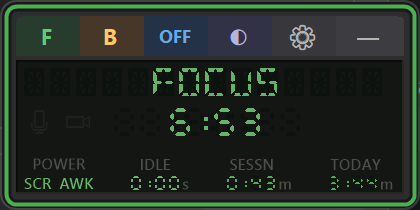
A small floating widget shows your current period, countdown, idle time, and session stats. Always visible, never in the way.
Activity Tracking
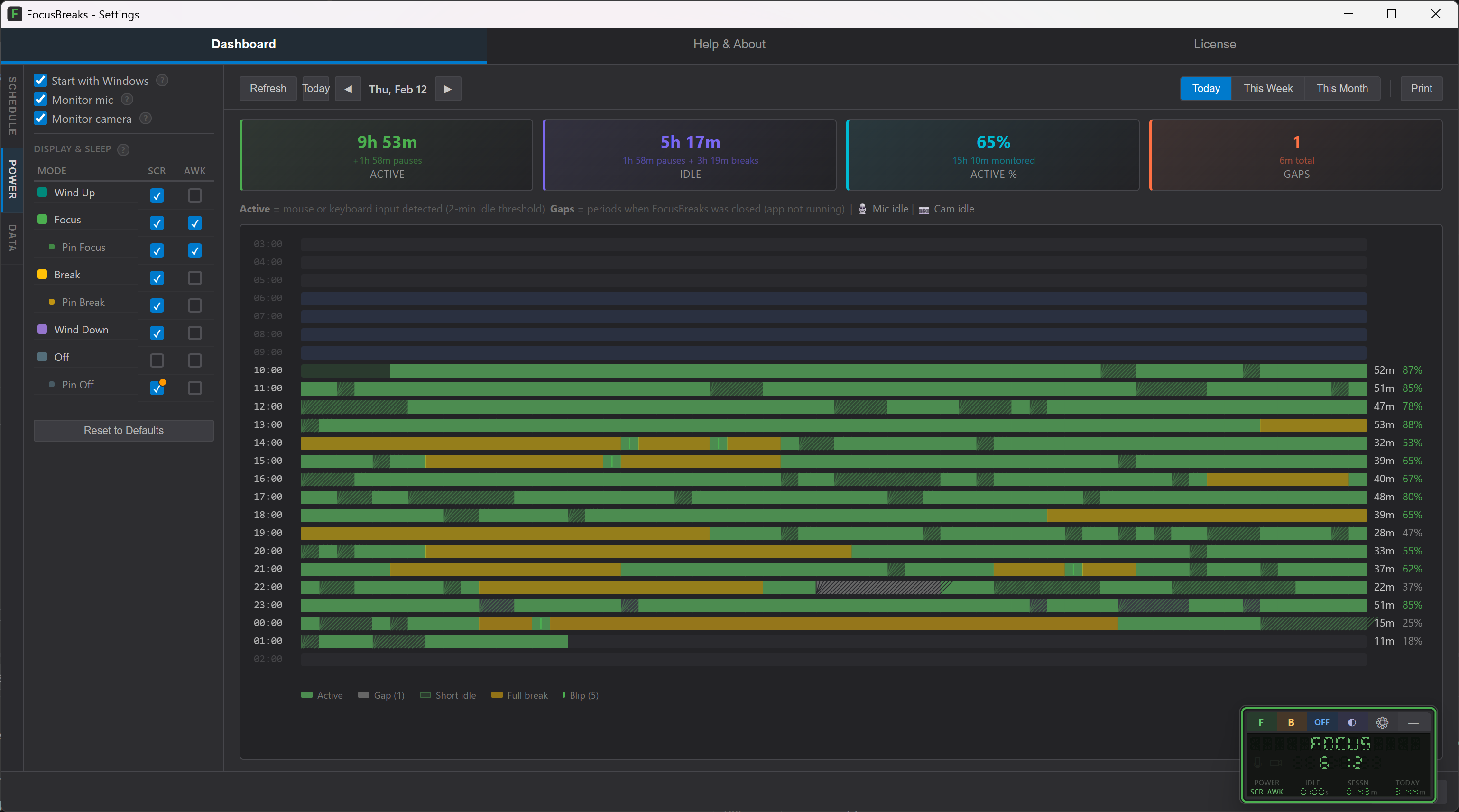
Minute-level charts of your active and idle time, with mic and camera detection so you can see when you were in meetings.
Power Management
Keeps your screen on and system awake during focus periods. No more fiddling with Windows sleep settings.
See Your Whole Day at a Glance
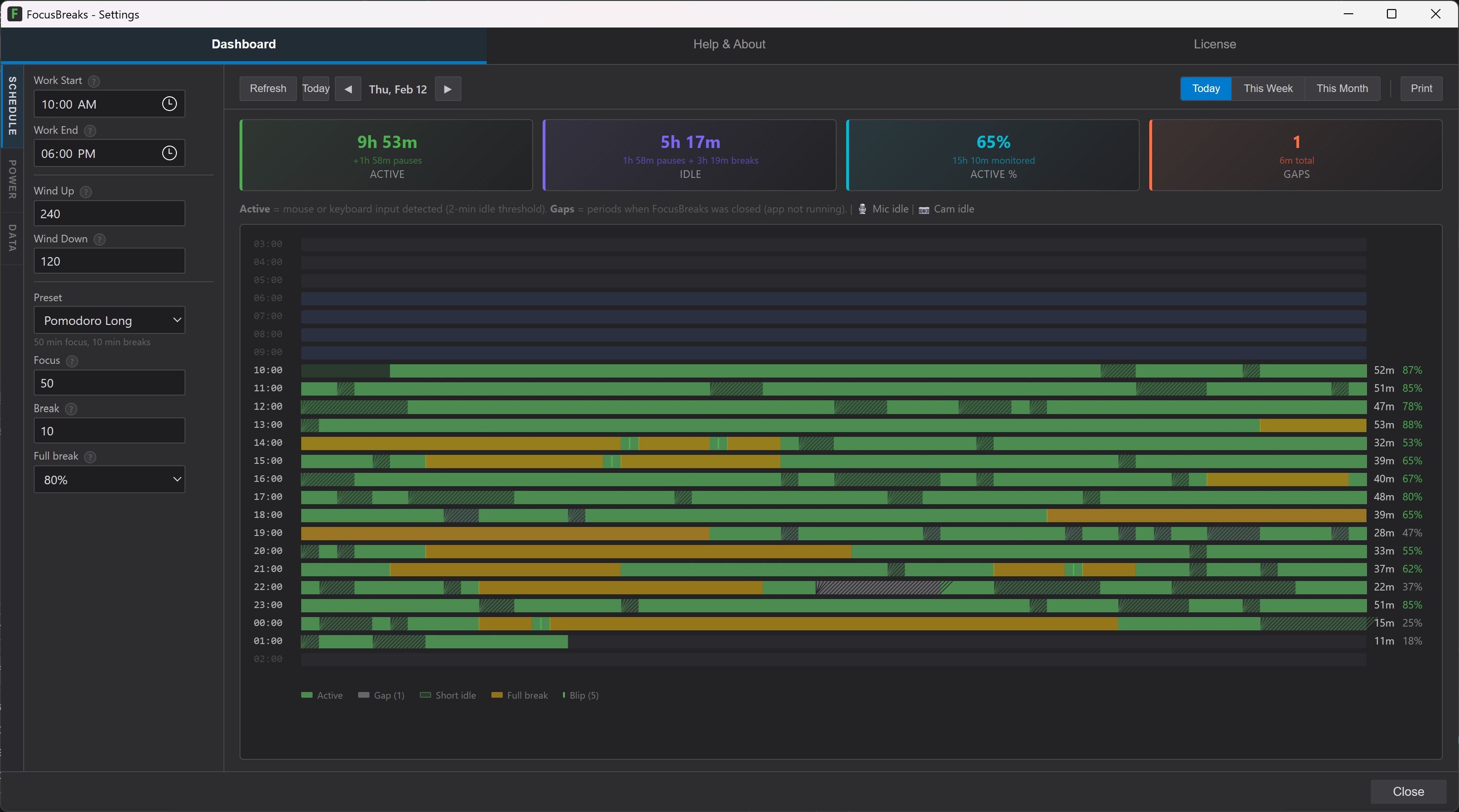
Every minute is tracked. Green is active, yellow is idle, orange is a full break. You always know exactly where your day stands.
Your Daily Cycle
Wind Up
Ease into your workday with an optional ramp-up period
Focus
Deep work time. Screen stays on, system stays awake.
Break
Step away. Stretch, rest your eyes, move around.
Wind Down
Wrap up your day with an optional cooldown period
About FocusBreaks
FocusBreaks is a Windows desktop app that tracks your actual PC activity and shows you exactly where your day stands. It counts breaks you actually take - not breaks you schedule. If you step away long enough, the focus timer resets automatically. No buttons, no manual tracking.
Built by an independent contractor who needed honest time tracking for flexible work. The Today counter shows exactly how much you've worked - so you can shift hours, work across timezones, or take a break at 2pm without guessing whether you did enough. Available on the Microsoft Store for Windows 10 and 11.
Learn Your Actual Capacity
FocusBreaks measures your real focus time. Every minute, it checks whether your keyboard and mouse are active, and only counts the minutes you're actually working. A counter on your desktop shows the honest number: how much focused work you've put in today.
That number tells you when you've earned a break, motivates you to stay engaged, and over weeks reveals your real capacity. The data is yours. Use it to improve, or just to know where you stand.
Ready to work smarter?
Free 15-day trial with all features. One-time purchase - no subscription.
Get it on Microsoft Store